Use the AI chat
Overview
The AI-powered chat is the main way to interact with Warden.
Use simple commands to send and swap your assets, check your balance, or ask questions about the app, Warden Protocol, and the crypto market.
You can type or dictate your prompts.
Start chatting with the default Warden Agent or select another AI Agent, as described in the sections below.
Access the chat
When you log in to Warden, a new conversation with the AI-powered Warden Agent opens automatically.
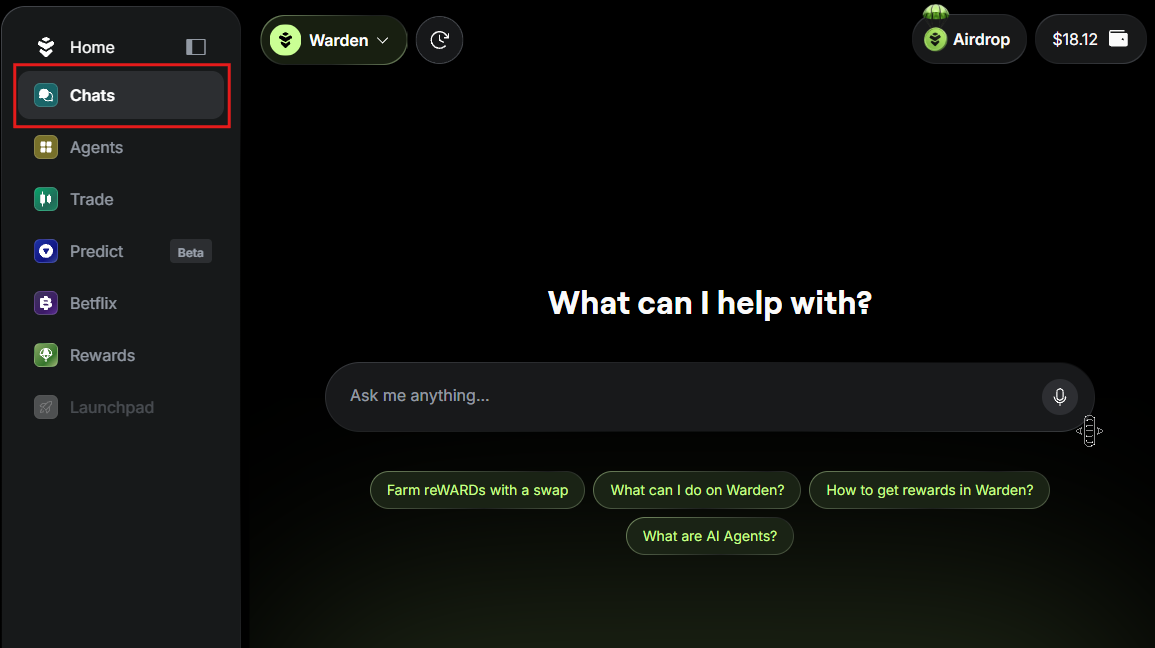
You can access Agent chats anytime by selecting Chats in the left menu:
Start chatting
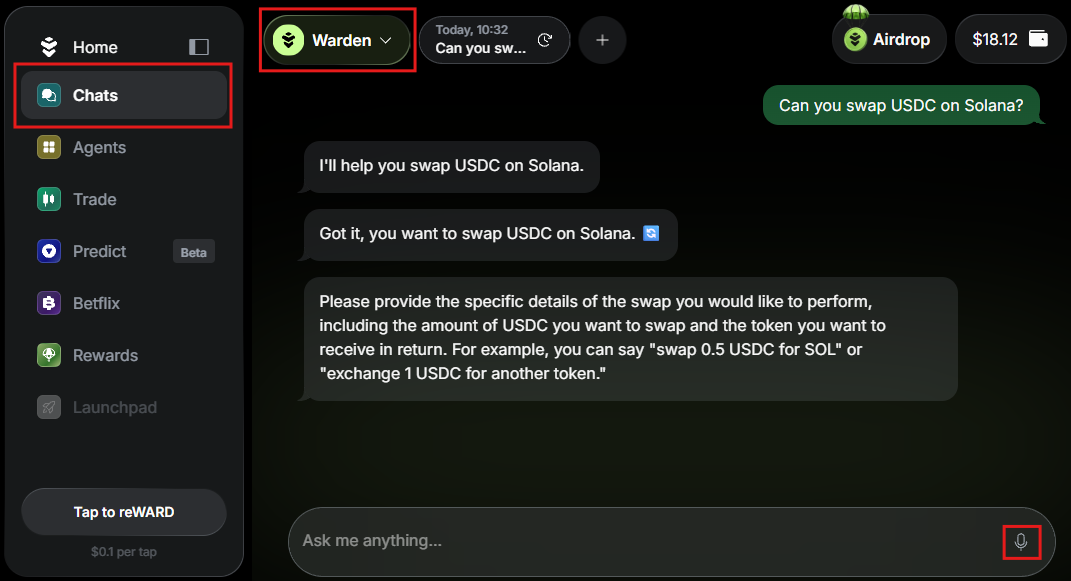
To start interacting, type your request in the chat box. Alternatively, click the microphone icon to dictate your message.
For example, to perform a transaction, fund your wallet and ask the Warden Agent to send or swap an asset.
Select an AI Agent
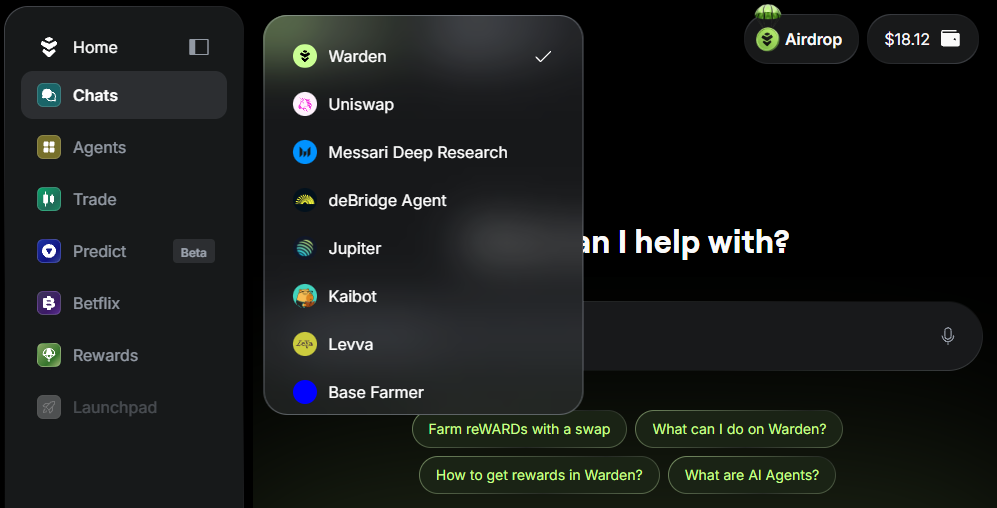
In addition to the Warden Agent, you can interact with other AI Agents available in the app.
Explore Agents in the Agent Hub or switch between them directly in the Chats section using the drop-down menu at the top:

Manage chats
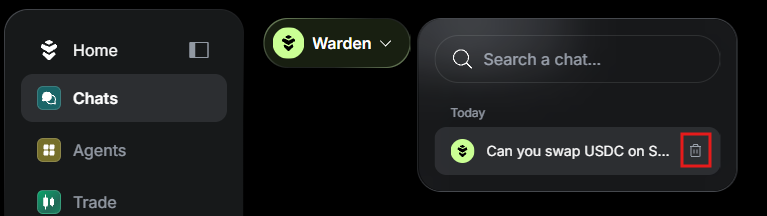
To open or delete a previous thread, use the history drop-down menu at the top of the screen: